1. Log in to your NBDB account.
2. Go to the Historical Transactions section.
3. In the date filter:
- specify the start date from the moment your transactions began (when you opened your brokerage account),
- leave the end date as the current date or your desired date.
4. After loading the list of transactions, click Export.
5. Download the file in CSV format.
How to import new transactions
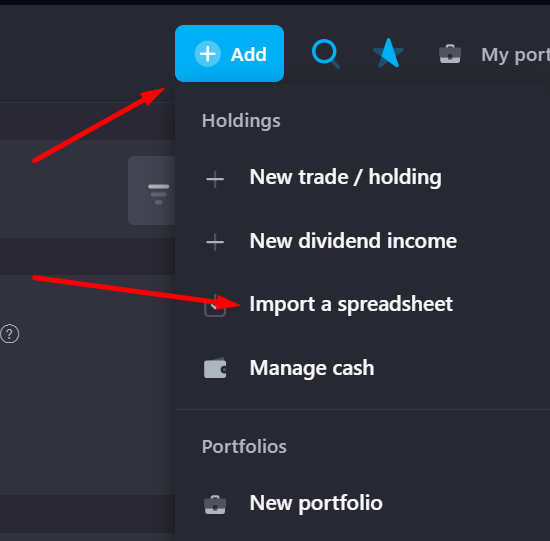
Later, when you'll start making new trades or receive dividends, you can just get new statements from the date of your last import and upload them by clicking a plus sign on a top panel → Import a spreadsheet.