Note that these instructions are only for Desktop/PC access – not the WealthSimple android app.
After logging into your account:
1. Click the profile icon on the top right of the home screen.
2. Click “Documents”
3. In the top right corner of the screen, below the profile icon, click on the “Request Documents” button.
4. A “Request Documents" dialog box pops up – for Document type select “Activities Export (CSV)” , for the “Select period” field, select your desired value.
Click “Next”
5. Click the checkbox for the desired account(s) for which you want to generate the CSV file.
Click “Download CSV”.
How to import new transactions
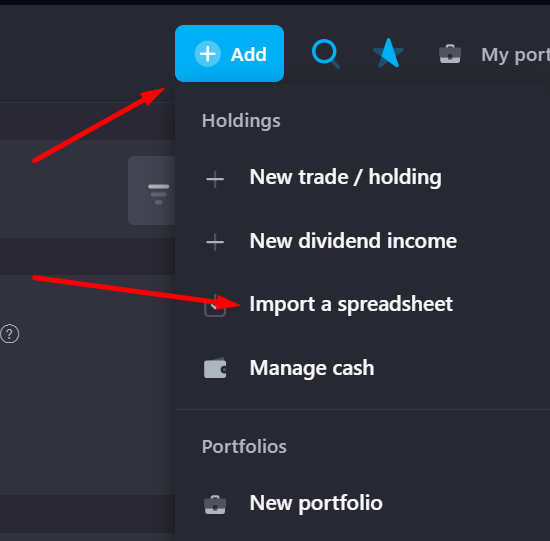
Later, when you'll start making new trades or receive dividends, you can just get new statements from the date of your last import and upload them by clicking a plus sign on a top panel → Import a spreadsheet.